
Your program
Your school. Your requirements.
Scribe is not a one-size syllabus. Set school-wide standards, then tailor each course — hours, shifts, skills, student file items, and dashboards — so EMT, AEMT, and Paramedic classes match how you actually teach.
School standards
Per-course requirements
Student file lists
Built for program directors and program staff.
Secure & Compliant
Built for EMS Education
HOW IT WORKS
School & Course Setup in Scribe.
School standards
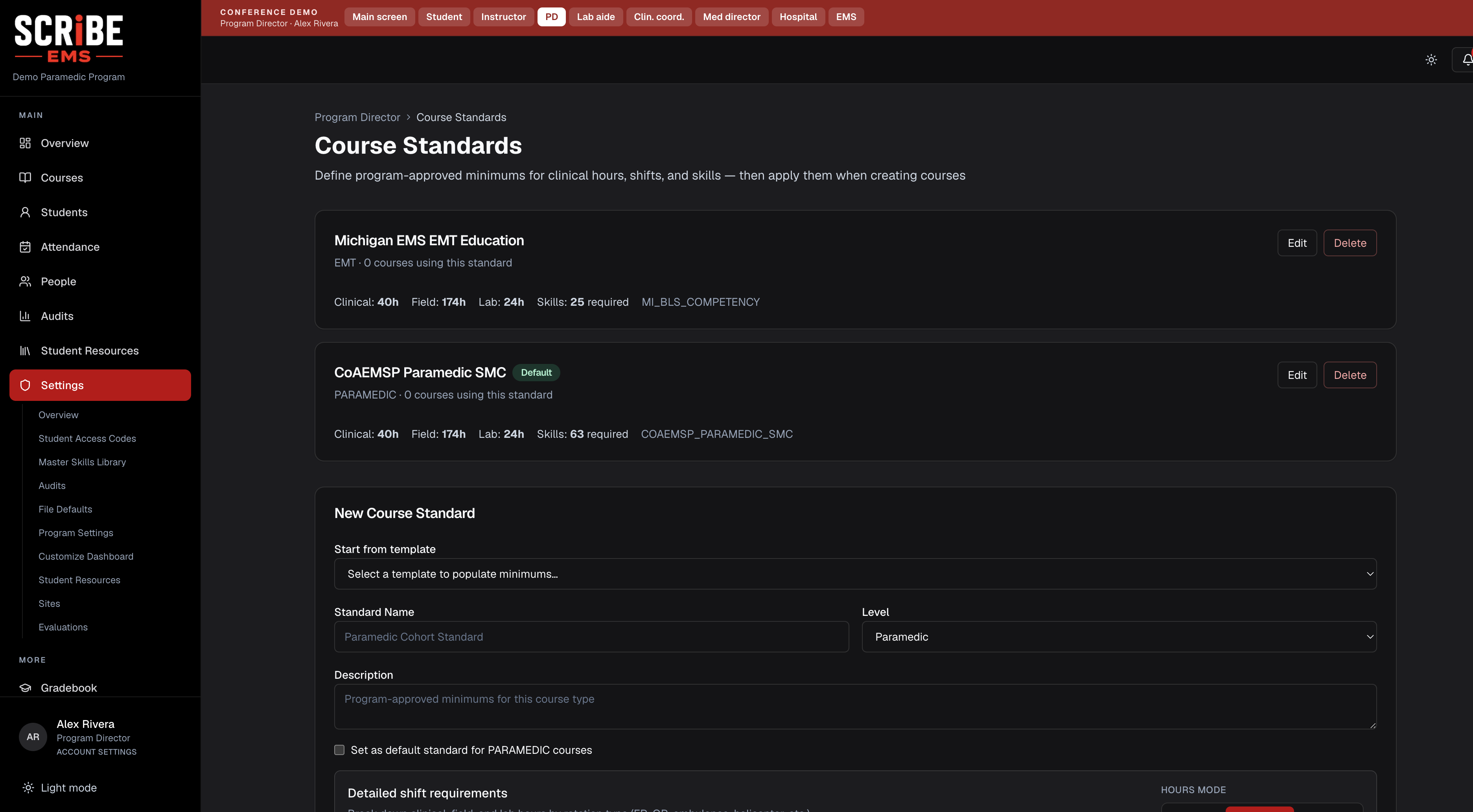
Define program-approved clinical hours, field hours, lab hours, and shift rules once, then apply them when you create a class.
Per-course requirements
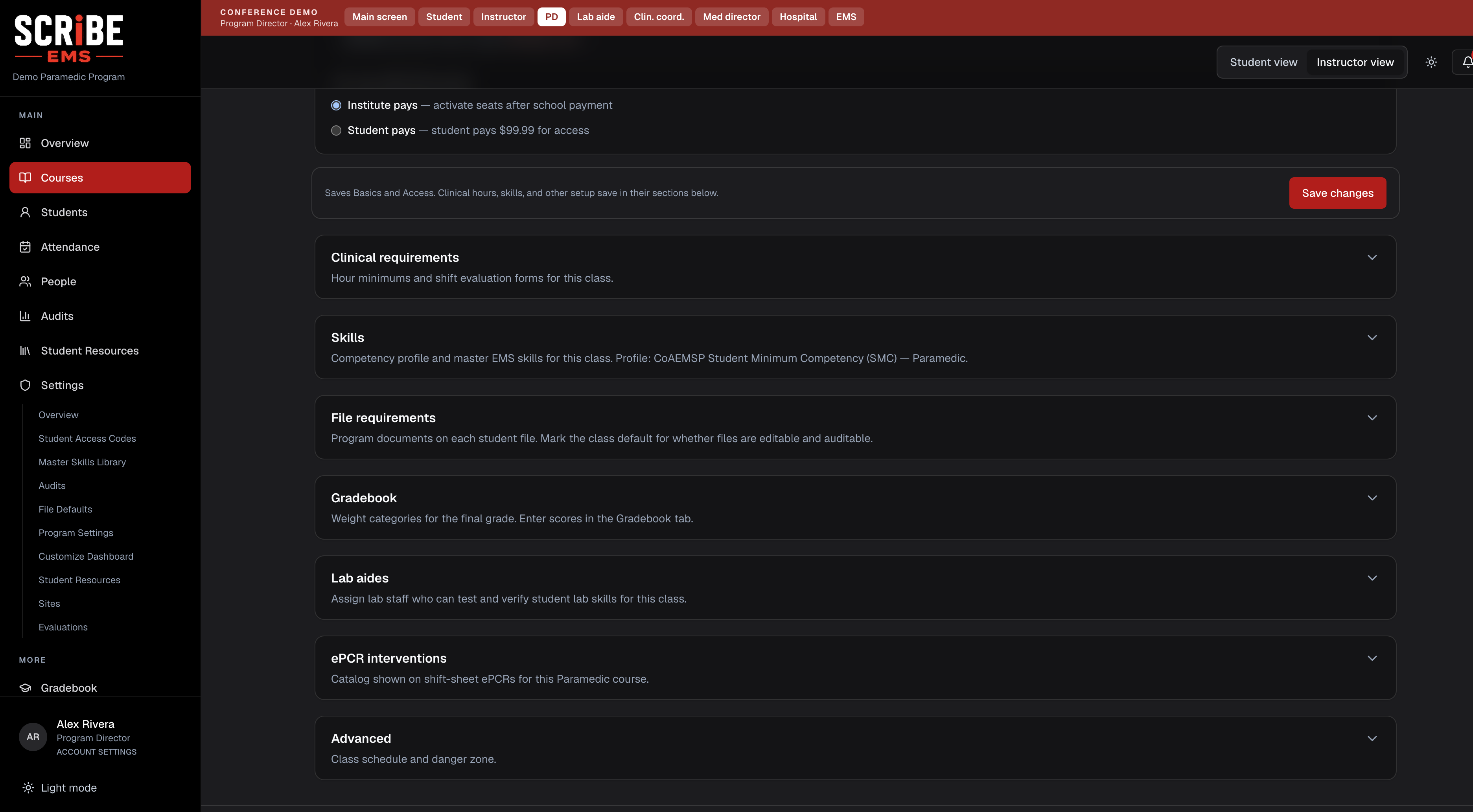
Turn skills on or off for that cohort, raise minimums above CoAEMSP floors, and keep EMT different from Paramedic without a second product.
Student file lists
School template for vaccinations, evaluations, and completion records — each course can add or remove items, then a school administrator audits them on the student file.
- Step 1. Set the school defaults — Choose education levels, course standards, and the student-file template your program expects.
- Step 2. Customize the class — When you open a course, adjust hours, shifts, skills, and file requirements for that cohort.
- Step 3. Teach against your rules — Scheduling, skills, and audit files all follow the requirements you configured — not a generic national-only checklist.
IN THE PRODUCT
More from School & Course Setup
SCRiBE EMS — Educate. Track. Comply.
Create Account →Trusted by EMS Education Programs
Streamline Clinical Operations
Better Students. Stronger Providers.
More of the platform
Clinical Scheduling
One connected calendar for every rotation — partners don't need SCRiBE.
Skills Tracking
Set course skill rules, then track competency in real time.
Testing & Exams
Create, administer, and grade exams with ease.
Gradebooks
Automated gradebooks and performance reports.
CoAEMSP Tools
Stay audit-ready with built-in compliance tools.