
Course grades
Weighted grades without the extra workbook.
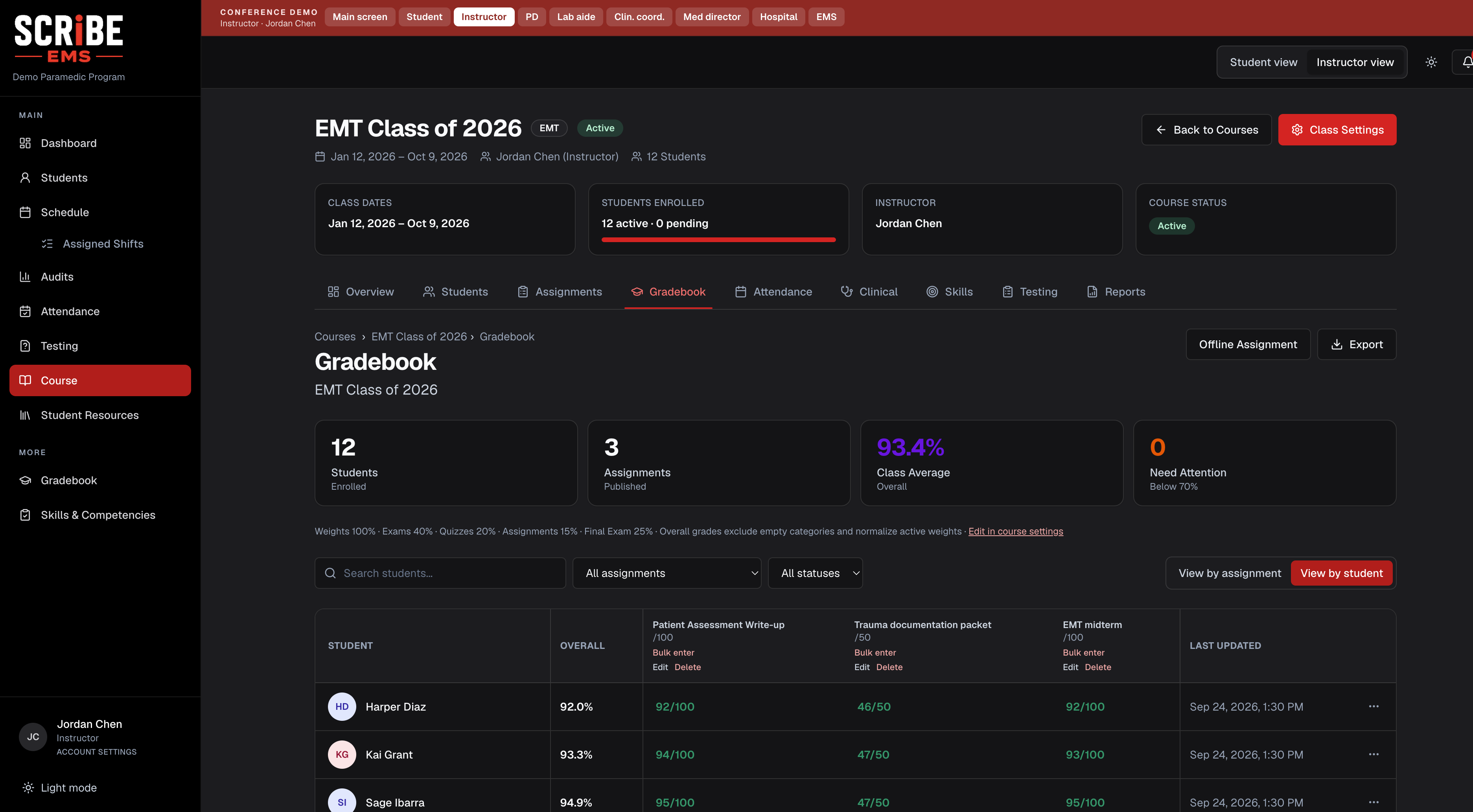
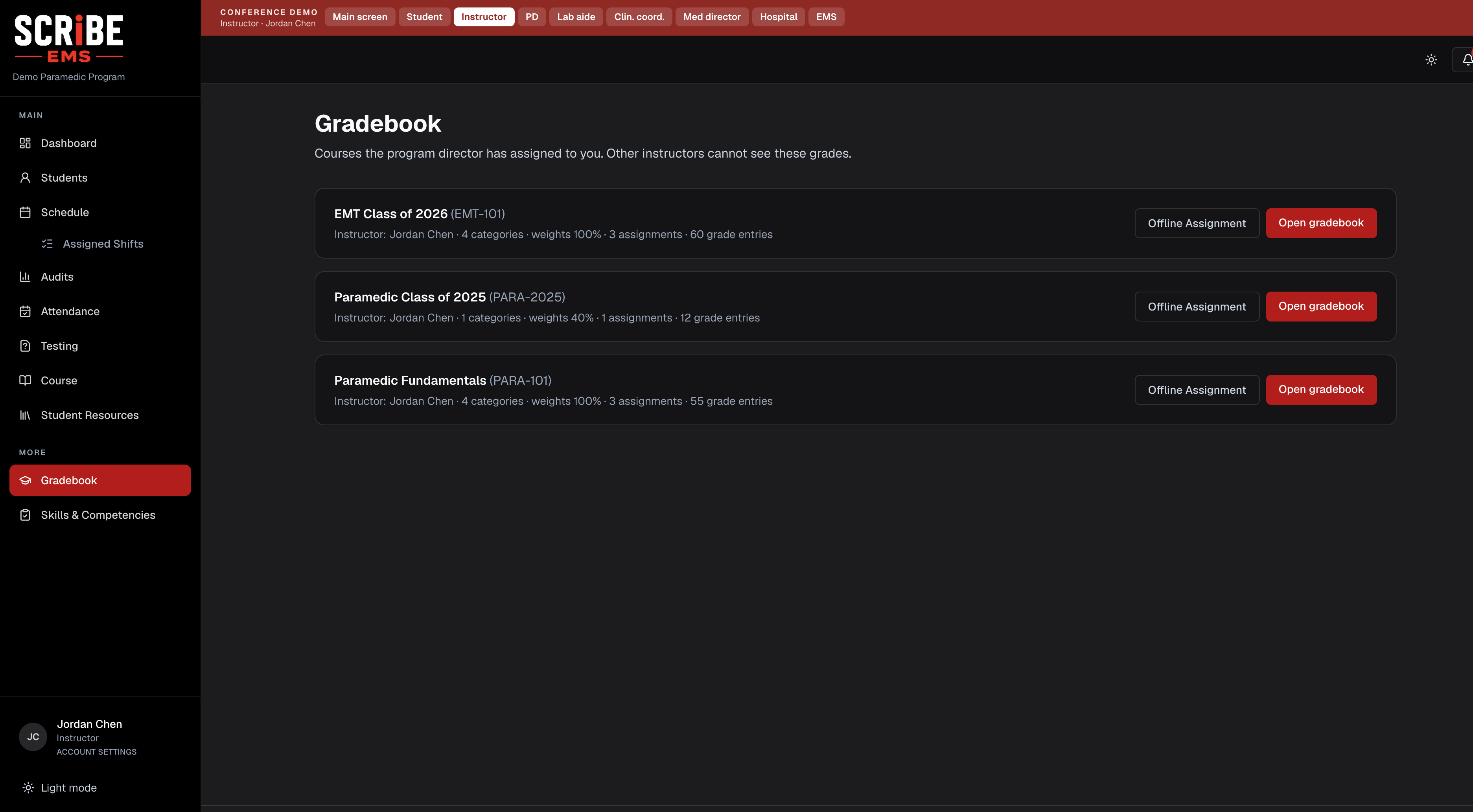
Each class has its own gradebook: categories, assignments, tests, and published scores. Instructors enter work once. Students see what is actually released.
Category weights
Enter scores in place
Published student view
Built for instructors, program directors, and students.
Secure & Compliant
Built for EMS Education
HOW IT WORKS
Gradebooks in Scribe.
Category weights
Set exams, quizzes, assignments, and affective scores so the final grade matches your syllabus.
Enter scores in place
Online tests can post automatically. Offline work and skills check-offs get entered from the same roster.
Published student view
Students only see grades you have released, with running course averages they can trust.
- Step 1. Set the syllabus math — Create grade categories and weights for the class.
- Step 2. Collect the work — Add assignments or pull in graded tests from the Testing Center.
- Step 3. Publish scores — Release grades when they are ready. The student view updates immediately.
IN THE PRODUCT
More from Gradebooks
SCRiBE EMS — Educate. Track. Comply.
Create Account →Trusted by EMS Education Programs
Streamline Clinical Operations
Better Students. Stronger Providers.
More of the platform
Clinical Scheduling
One connected calendar for every rotation — partners don't need SCRiBE.
Skills Tracking
Set course skill rules, then track competency in real time.
Testing & Exams
Create, administer, and grade exams with ease.
School & Course Setup
Customize school and course requirements, standards, and student files.
CoAEMSP Tools
Stay audit-ready with built-in compliance tools.